LinkStep: Comprehensive business operations and reporting software

Asset Management, Custom Forms/Reporting, Default Task Assignments, Custom Notifications And Much More!

Highly Trusted In Many Industries

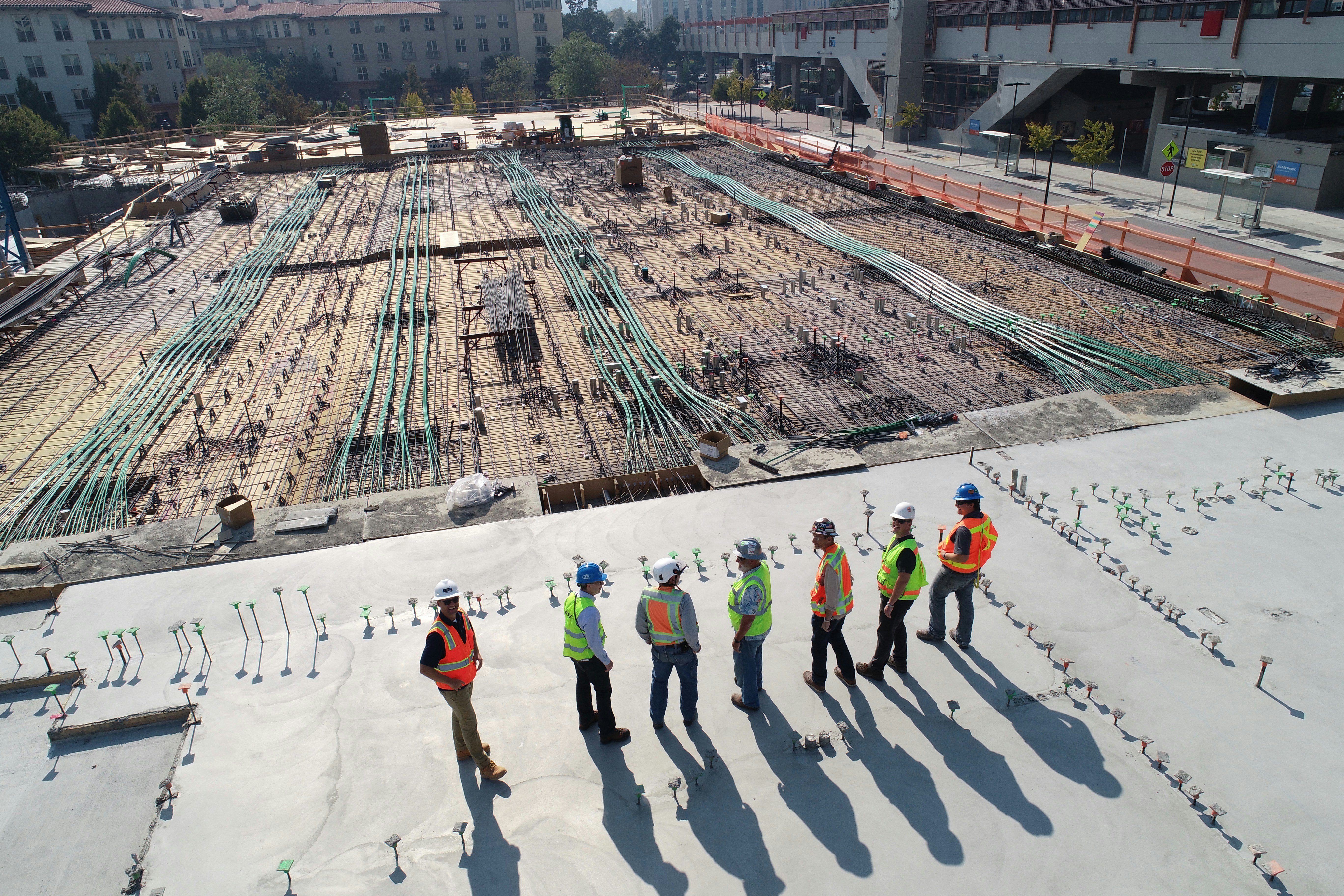
Construction
Construction
Mining
Mining
Healthcare
Healthcare
Hospitality
Hospitality
Storage
Storage
Amusement
Amusement

Discover LinkStep Asset Tracking

Powerful features that give you total control over your assets
Centralized Asset Inventory

Centralized Asset Inventory

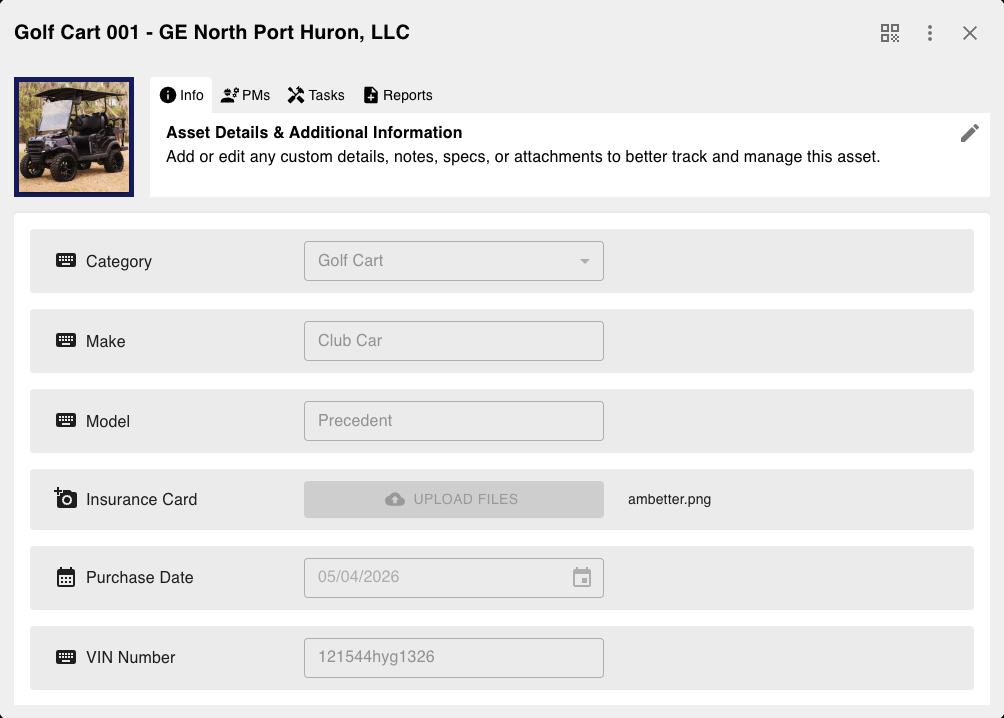
Complete visibility of every asset in a single, intuitive dashboard

Custom fields, tags, categories, and real-time status tracking

Bulk import/export with smart search and advanced filtering

Custom reports and one-click field updates across assets
QR Code Identification

QR Code Identification

Scan to instantly access asset details, history, files, and maintenance schedules

Mobile-optimized scans for quick access to files, forms, and related data

Automatic linking to assets, locations, and reports

Full mobile app support for field teams on the go

Preventive Maintenance

Preventive Maintenance

Never miss a service or inspection again

Automated schedules triggered by time, usage, or conditions

Instant work order generation and technician assignment

Complete maintenance history with compliance-ready reporting

Reports & Analytics

Reports & Analytics

Turn asset data into actionable business insights

Auto-update asset fields directly from report data

Deep utilization, depreciation, and cost analysis

One-click exports (PDF, Excel, CSV) plus scheduled email reports

Smart Alerts & Notifications

Smart Alerts & Notifications

Stay informed the instant something needs attention

Real-time notifications for theft, low battery, maintenance due, and more

Delivery via email, SMS, push, and in-app

Fully customizable rules and thresholds

Location Tracking & Hierarchical Assets

Location Tracking & Hierarchical Assets

Know exactly where every asset is — on-site or nested inside another

Works seamlessly with any modern scanner or mobile device

Bulk scanning and rapid location updates

Easy integration with your existing hardware and workflows

Reporting and tracking software allows complete customization for your company's needs

Questions
Nesting
Notifications
Tasking
Version Control
Permissions
Question Display Example

Form Customization

Build your own reports using nearly any question style you would like

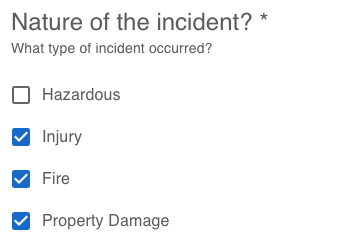
Choose from over 10 different question types as you structure your forms

Add descriptions where needed

Options include multiple choice, text, rating, date, time, etc

Nesting Example

Question Nesting

Users don't see irrelevant questions

Set answer specific questions so you only ask what's applicable

Drag and drop into place or build questions right where you want them

notifications example

Notifications

Set notifications based on specific answers or questions

Avoid spamming users by only notifying people affected

notifications example

Task Assignments

Set tasks to be assigned by default or after a new report is submitted

Assign users to complete another form that connects to a report

Assign tasks based on answers to questions

notifications example

Version Controls

Keep forms hidden until modifications are made and complete

Make modifications to published forms while hiding edits until ready

Preview all modifications before publishing to ensure quality

permissions example

Permissions

Completely customize each user's permissions

Limit user functionality to ensure each user can only do what's needed

LinkStep Profile Image

Support

Video Demo

Contact

Contact Information

LinkStep, Inc.

9500 Feather Grass Lane, 120-109

Fort Worth, TX 76177

support@linkstep.com

© LinkStep, Inc.

Terms / Privacy